Automated Appointment Reminders
Reduce no-shows with SMS and email reminders. Customise message templates and timing to match your business needs.
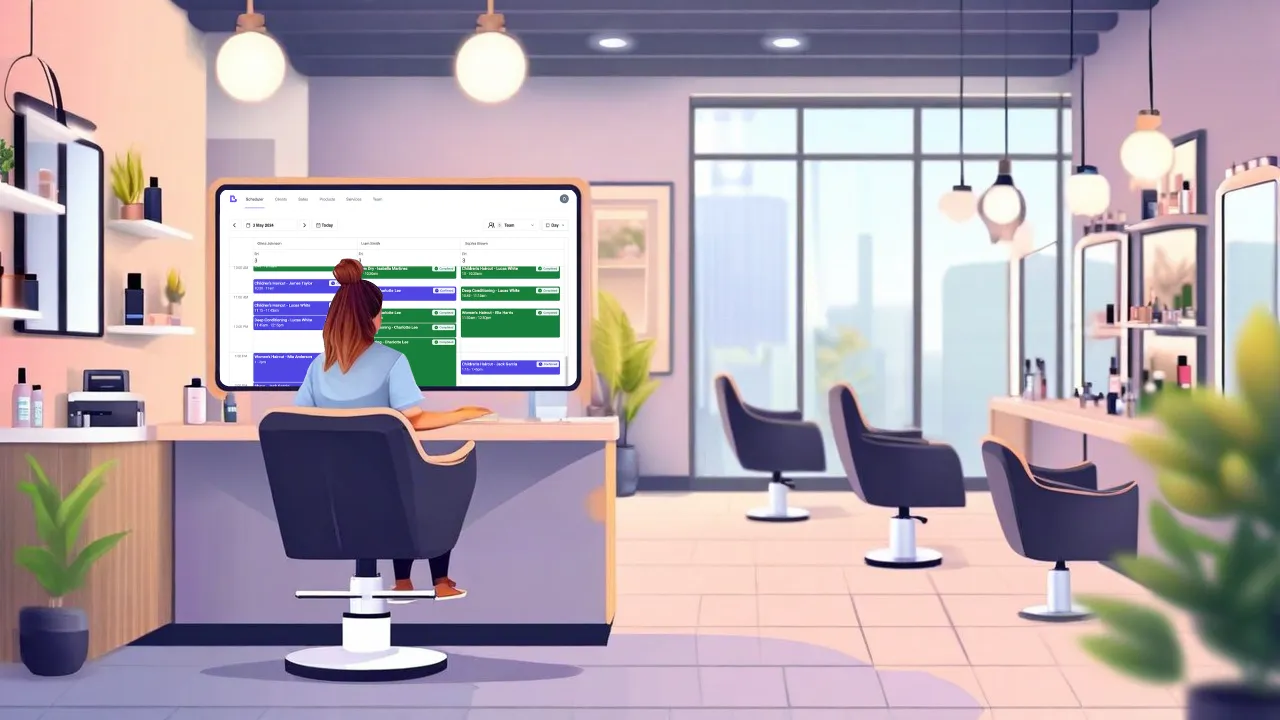
Automated reminders notify your clients about upcoming appointments, reducing no-shows and last-minute cancellations. Configure when reminders are sent (e.g., 24 hours before, 2 hours before) and customise the message content with variables like client name, appointment date, time, and services. Both SMS and email channels can be enabled independently. Beyond reminders, the system sends automated notifications for booking confirmations, rescheduling, cancellations, and waitlist updates.
What's included
Key capabilities of sms & email reminders
Two reminder messages
Send up to two reminders before appointments. Configure timing separately (e.g., 24 hours before and 2 hours before).
SMS and email channels
Enable SMS, email, or both for each message type. Control channels independently per notification.
Customisable templates
Edit message templates with your own wording. Use variables like {{FirstName}}, {{Date}}, {{Time}}, {{ServiceName}}, and {{SelfServiceLink}}.
Confirmation links
Include {{ConfirmAppointmentLink}} for one-click confirmation or {{SelfServiceLink}} for full appointment management.
Appointment updates
Automatic messages for: pending approval, pending confirmation, confirmed, rescheduled, cancelled, and checked out.
Waitlist notifications
Clients receive confirmation when they join your waitlist.
Business notifications
Get notified when clients book, request approval, reschedule, cancel, or join the waitlist online.
Rebook reminders
Remind clients to rebook when they are due for their next appointment. AI-optimised timing based on service history.
Live preview
See exactly how your message will look before saving. Test with sample data.
How automated messaging works
Configure your templates
Set up message content for each notification type. Customise wording and select which channels to use.
Set timing preferences
Choose when reminders are sent relative to appointment time (e.g., 24 hours before).
Messages sent automatically
The system sends messages at the configured times. No manual action required.
Track confirmations
See which clients have confirmed their appointments. Follow up on unconfirmed bookings if needed.
Plan availability
Feature
Starter
Professional
All prices in AUD, GST included. No currency conversion fees.
Frequently asked questions
How many SMS are included?
Starter plan includes 200 SMS per month. Professional plan includes 500 SMS per month. If you need more, you can purchase additional SMS packages at $10 for 100 SMS. Email notifications are unlimited on all plans.
What template variables are available?
Variables include: {{FirstName}}, {{LastName}}, {{Date}}, {{Time}}, {{ServiceName}}, {{BusinessName}}, {{TotalPrice}}, {{SelfServiceLink}}, {{ConfirmAppointmentLink}}, and {{CancelAppointmentLink}}.
What appointment notifications are available?
Six appointment message types: Pending Approval, Pending Confirmation, Confirmed, Rescheduled, Cancelled, and Checked Out. Each can be enabled/disabled and customised independently.
Can I disable notifications for specific clients?
Yes. Each client profile has notification preferences where you can enable or disable SMS and email notifications individually.
Are SMS sent through Australian networks?
Yes. SMS are sent through Australian mobile networks using local numbers for better deliverability.
Related features
Ready to try sms & email reminders?
Start your free trial today. No credit card required.
Australian-owned business. Sydney-based support team.